
Guide
Can't Copy Text From a PDF on Mac? Why It Happens and 4 Fixes
Preview won't select or copy text in your PDF? It's a scan, copy-restricted or broken. How to tell in ten seconds, and the fix for each one.
Works for any text, and exceptional with code. One keystroke turns anything on screen into clean, paste-able text: a video, a PDF, an image. No extra windows, no uploading, no converting, just paste it like magic. All on your Mac. No cloud, no account.
Free: 5 captures a day · no account needed
Requires macOS 13+ on an Apple Silicon Mac (M1 or later)
Screenshot text from any video
Pause any video and press ⌘⇧7 to highlight the code you want to copy.
Instantly paste into your editor
Now it's on your clipboard. Press ⌘V to paste into your editor.
You don't need to retype the parts you already understand. Screenshot the boilerplate you've written a hundred times, paste it in a keystroke, and spend your focus on the concepts that are actually new.
Screenshot the imports, setup, and scaffolding you already know cold.
⌘⇧7, drag, ⌘V. It lands on your clipboard clean and ready to run.
Spend your attention on the new ideas, not on retyping code you already understand.
Optimise for code pairs Apple's on-device OCR with the latest open-source AI model, Qwen2.5-Coder, running entirely on your Mac. It rewrites each capture into clean source: indentation restored, look-alike characters and quotes fixed, wrapped lines rejoined. Nothing ever leaves your device.
Tabs, spaces, and line breaks come through exactly as written, so pasted code keeps its shape instead of collapsing into one line.
Code mode knows a zero from a letter O and a 1 from an l (the look-alikes plain OCR trips on), so your code compiles the first time.
Grab code from a paused video, a PDF, a screenshot, or any image on screen. If your Mac can show it, ⌘⇧7 can read it.
OCR happens entirely on-device with Apple's Vision framework. No cloud, no account, and your code never leaves your machine.
Runs entirely on your Mac. Nothing is uploaded.
Most OCR tools quietly send your screen to a server to read it. Screenshot Text has no servers at all. Every capture, and even the AI cleanup, runs entirely on your Mac.
Text recognition runs on your Mac with Apple's Vision framework. Your screen is never uploaded, streamed, or stored anywhere.
No servers, no cloud calls, no account. It works on a plane, behind a firewall, anywhere, because everything happens locally.
The optional AI cleanup runs the latest open-source model on your own machine. Even the smart stuff never sends your code off your Mac.
There's no database of your captures because there's nothing to collect. What you grab stays on your clipboard and your device.
Everything works on the free plan, AI cleanup included. Pay once when you want unlimited. No subscription, no account.
For the occasional capture.
Pay once, yours forever.
macOS 13+ · Apple Silicon · one-time payment · no account needed
Guides
Tested how-tos for videos, PDFs, screenshots and apps that block copying.
Preview won't select or copy text in your PDF? It's a scan, copy-restricted or broken. How to tell in ten seconds, and the fix for each one.
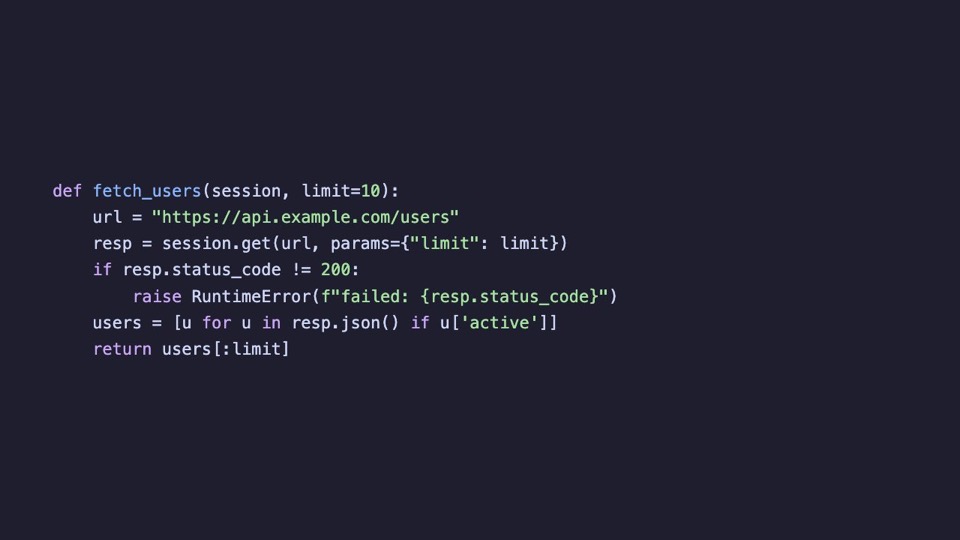
OCR turns code in screenshots into flat lines, breaking Python and JavaScript. Why it happens, the free fix, and how to copy code with indentation intact.
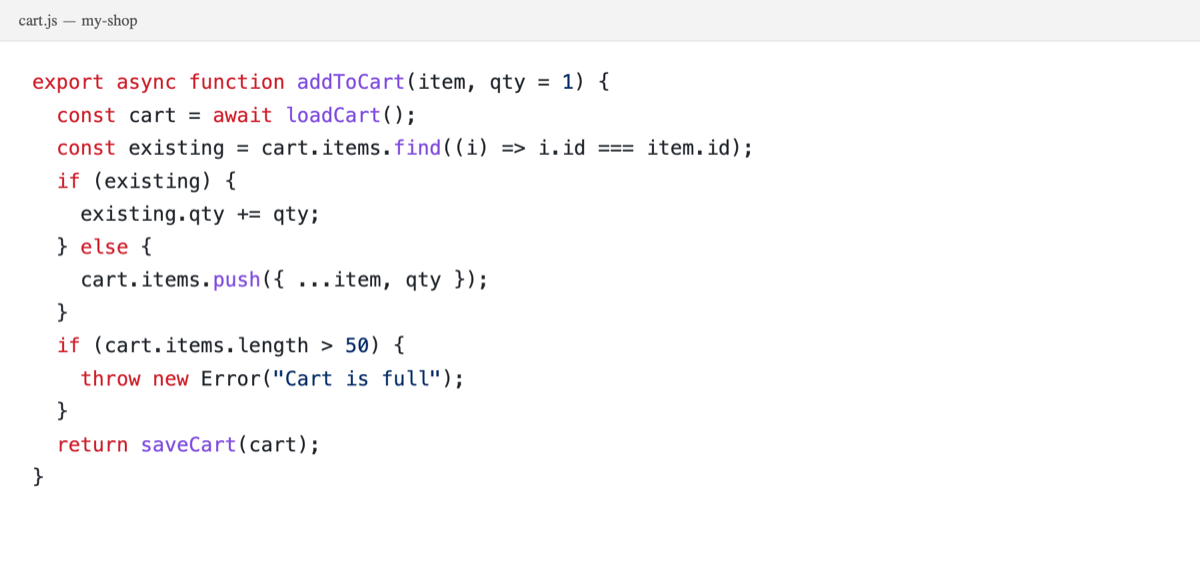
Yes: macOS has built-in OCR called Live Text, in Preview, Photos and Safari. How to use it, where it fails (code, Chrome, Zoom) and what to use instead.
Popular
Screenshot Text vs TextSniperThe best OCR for MacGrab text from a PDFCopy code from a YouTube videoEverything you need to know about Screenshot Text.
Nothing leaves your Mac. Text recognition runs on-device with Apple's Vision framework, and the optional AI cleanup runs a local model. There are no servers, no account, and no analytics on your captures.
Every app that reads the screen needs it, including all the other screenshot tools. Screenshot Text uses it only to read the region you select. Nothing is recorded, streamed, or saved, and it works entirely offline.
Nothing is locked away. The free plan is the full app, AI cleanup included, capped at 5 captures a day. Lifetime is a one-time $39 payment that makes it unlimited and includes every future update. No subscription, ever.
Very good, with one setting. Turn on Optimize for code and a small AI model runs on your Mac after recognition: it restores the indentation plain OCR throws away and fixes broken brackets, quotes and look-alike characters. Use it for code only, and leave it off for ordinary text.
OCR works across 14 languages out of the box, including major European and CJK scripts. The language is auto-detected, so there's nothing to configure.
No. Download it and you're capturing. Buying Lifetime emails you a license key that you paste in once. It's verified entirely offline and carries across every update.
Reach out on X and I'll get back to you personally.
Grab any text in one keystroke. Free to try, $39 to own for life, and it all runs on your Mac.
macOS 13+ on Apple Silicon · no account needed